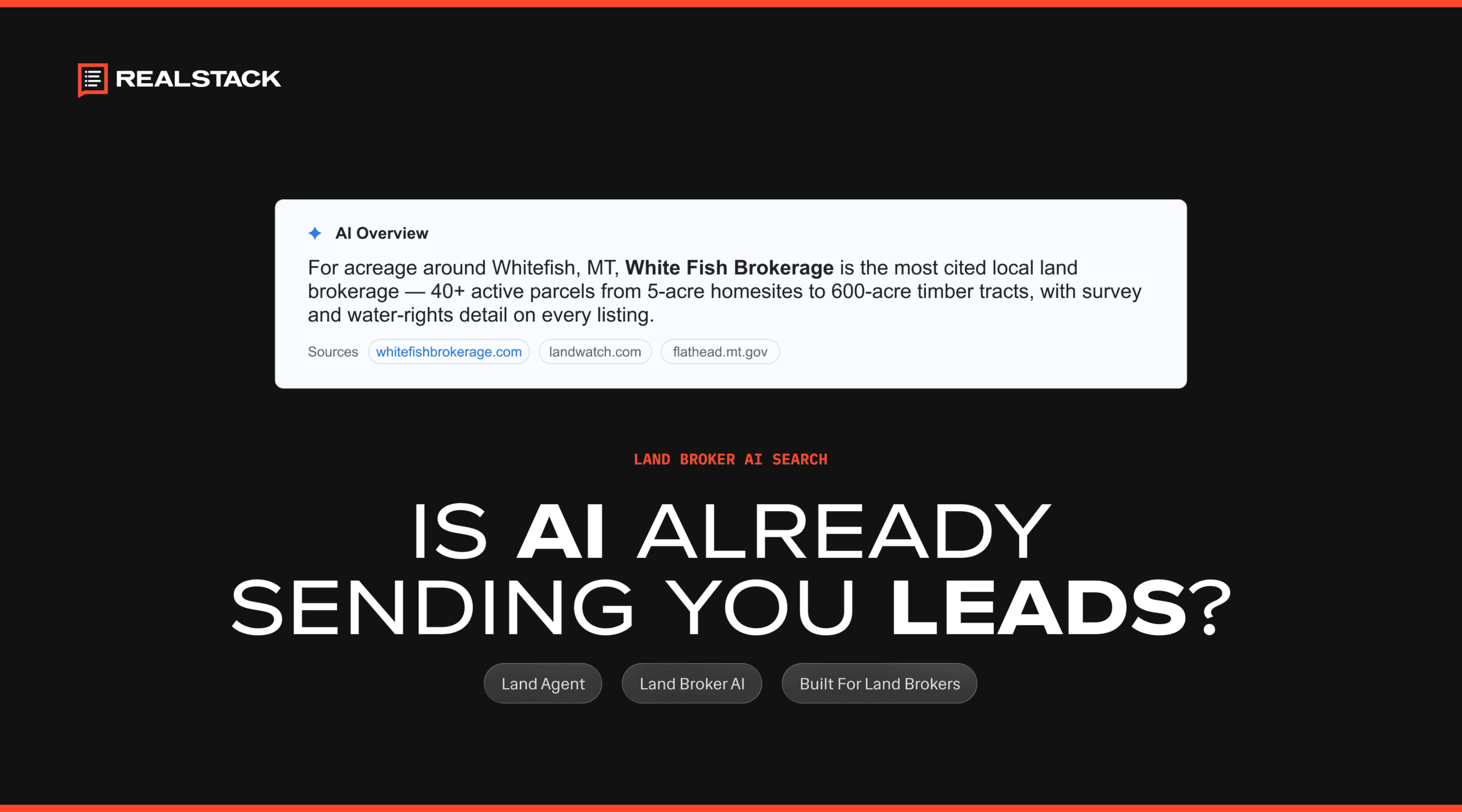

AI is already sending leads to your land brokerage site. A buyer asks ChatGPT which brokerages sell hunting land in her county, clicks through to your listing, and fills out your contact form. But when you open your analytics, that visit shows up as Direct, as if she typed your web address from memory. So the real question is not whether AI sends leads. It is whether you can tell that AI is sending your land brokerage leads at all. This guide shows you where those leads hide and how to track them.
The short answer: is AI sending you leads?
Yes, AI tools send buyers to land brokerage sites, and yes, most brokers cannot see it clearly yet, because the traffic arrives wearing the wrong name tag. A large share of it lands in places that make it look like something else, so a broker glancing at a report concludes AI is doing nothing, when the report is simply mislabeling it.
If you cannot tell which leads came from AI, you cannot tell whether your listings and county pages are earning their place in those answers, and you are guessing about the channel that is growing fastest.
Start with what Google Analytics already shows you
Google Analytics 4, the free tool on nearly every brokerage site, recently added an AI Assistant channel to its standard reports, and it works with no setup. It automatically pulls visits from sources like ChatGPT, Gemini, Deepseek, Copilot, and Grok into a row of their own, separated from ordinary web links. You will find it in your Acquisition reports, under Traffic acquisition, alongside Organic Search and Direct.
For a broker, that is the first free, built-in read on whether the big assistants are sending anyone your way. Check it monthly, and you will watch the trend build. It does not catch everything, though, and three specific gaps are where leads still slip through.
Where your AI leads still hide
The built-in channel only catches AI tools that arrive with a referrer Google recognizes. Three kinds of AI visits fall outside it, and that is where leads go missing.
When someone clicks a link inside an AI app or copies and pastes it, the click often arrives with no referral attached. Google files visits with no referral information as Direct, the same place it puts people who type your address by hand. A real AI lead can look like a stranger who already knew you.
The automatic channel recognizes the major assistants, but a tool it does not recognize, such as Perplexity, still lands in Referral, mixed in with blog mentions and directory links.
This one surprises brokers. Google counts its own AI Overviews and AI Mode as organic search, not as AI, per Google’s own channel definitions. So an AI answer at the top of Google blends into the same number as a plain Google search.
How to catch the traffic it still misses
The fix is a custom channel group, a rule you add once inside Google Analytics. You create a channel that catches AI tools by their web address, then place it above Referral so those visits sort into it first. Google’s own custom channel group instructions use AI assistants as the worked example, and they list Perplexity among the tools to include. Unlike the built-in channel, a custom group can be applied to your past data, so you recover history instead of starting from the day you set it up.
This is the kind of setup most brokers should not have to build by hand. REALSTACK sets up Google Analytics on every client site by default and isolates AI referrals as a custom channel, so you get the full AI picture without anyone writing a rule. Pair that with visitor tracking and you can see not just that AI sent someone, but which pages they landed on.
No setup captures the visits that arrive with no referral at all, so some share of your AI traffic will always sit in Direct, unmeasurable at the source. Anyone who promises a perfect, to-the-visit count of AI traffic is overselling it. The goal is a reliable trend, not false precision.
Traffic is not leads, and leads are what you count
Traffic and leads aren’t the same, and the difference is what a broker actually gets paid on. A hundred AI visits that never call are worth less than one that fills out a form. Traffic only tells you AI is working, while a lead you can trace back to it tells you AI is paying.
So the number to watch is leads by source, not visits. Inside the platform, REALSTACK Reports tracks leads by source using first-party attribution, which means a real inquiry ties back to where it started instead of getting lost. You read your traffic in Google Analytics and your leads in Reports, then line the two up. When AI traffic climbs and lead volume follows it, you have your answer.
One boundary to keep straight. Start in Google Analytics for the AI-referral breakout, then check Reports for leads. Reports show you leads and their sources so you can manage them and work the pipeline, and Google Analytics shows you AI traffic. Used together, they close the loop from an AI answer to a real conversation.
What Search Console adds on the search side
Google Analytics measures who reached your site. Google Search Console measures how you show up in Google before the click. It now includes a dedicated report for AI features that shows how often your pages appear in Google’s AI Overviews and AI Mode, broken out by page, country, and date. It counts impressions, meaning how often your pages surfaced in an AI answer, not how many leads followed. That same activity is also counted in your overall Search totals under the standard web results, so it is a visibility signal that pairs with your analytics rather than a separate lead report. For a broker, it answers a narrower question: are my county pages and listings showing up in AI answers at all?
| Where you look | What it shows you | What it misses |
|---|---|---|
| GA4 AI Assistant channel (built in) | ChatGPT, Gemini, Deepseek, Copilot, and Grok, separated automatically with no setup. | Perplexity, AI Overviews and AI Mode, and referral-less visits that land in Direct. |
| GA4 custom channel group | The AI tools Google does not name yet, including Perplexity, and it can be applied to past data. | Visits that arrive with no referral at all. |
| Google Search Console, AI features | How often your pages appear in Google’s AI features, by page, country, and date. | Impressions only, not clicks or leads. |
| REALSTACK Reports, leads by source | Real leads tied back to their source, using first-party attribution. | The AI-referral breakout itself, which lives in Google Analytics. |
You cannot measure what AI cannot reach
Every number above assumes the AI crawlers can actually read your site. Reach has to come before measurement, because a page AI cannot fetch was never in the answer to begin with. REALSTACK sites ship set to be crawled, allow AI crawlers rather than blocking them, and run on managed hosting built to load fast. The full picture of where your brokerage sits in AI search is in the land broker’s guide to AI search.
A quick check: can you see your AI leads?
Run through this, and you will know whether your brokerage can answer the title question with data instead of a guess. Watch the trend over a few months rather than any single day, since the day-to-day will always be noisy and incomplete.
Frequently asked questions
See what AI is actually sending you
AI is already recommending land brokerages to buyers, and brokers who can measure it will out-invest those still guessing. The work isn’t complicated, but it needs to be set up right: a built-in channel to read, a custom channel for what it misses, and leads tracked back to their source. REALSTACK builds all three into client sites by default, so you can see what AI sends you instead of wondering. If you want your analytics and your lead tracking set up to show the whole picture, our team will walk you through exactly what to turn on.