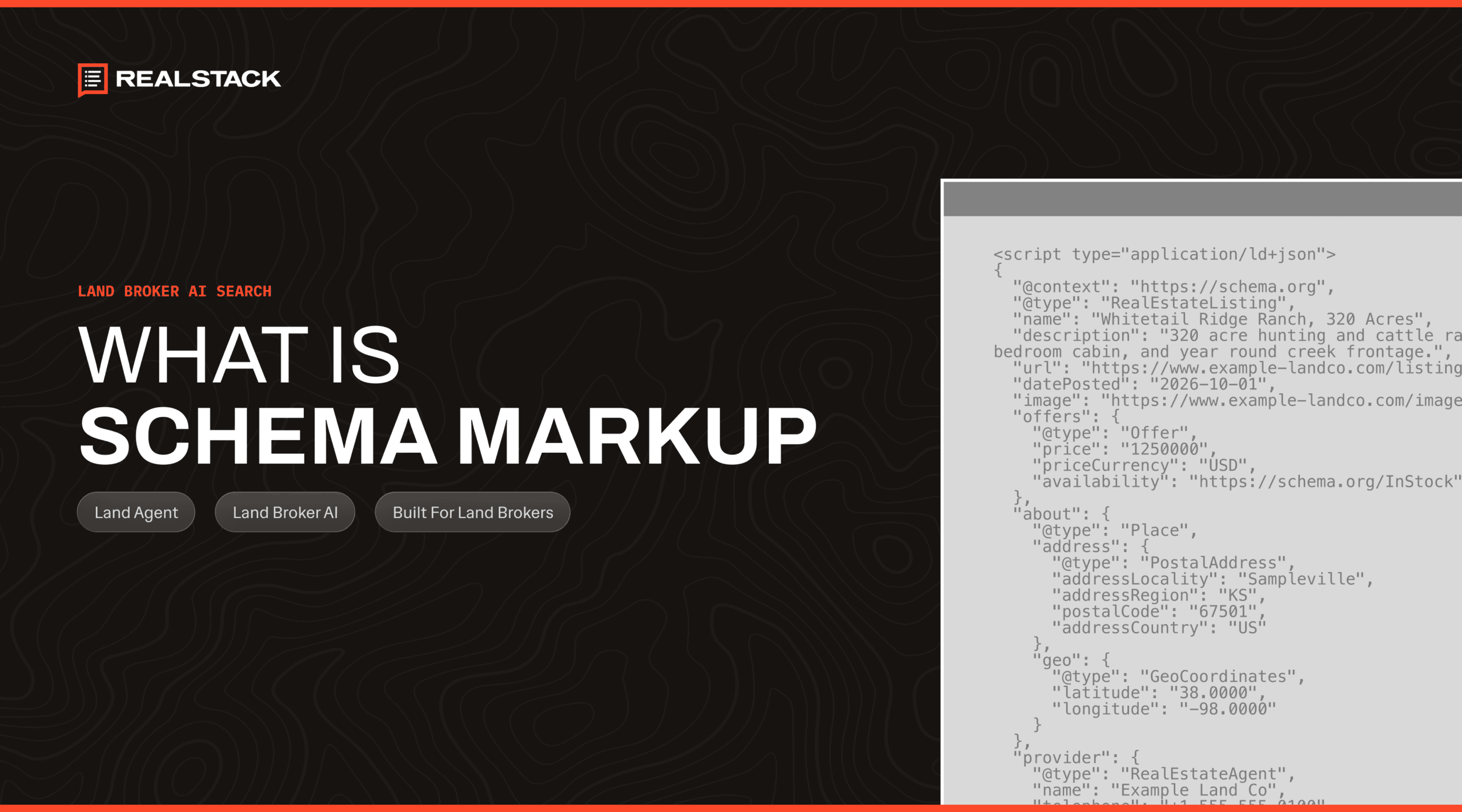

Open the page source of a land listing on a REALSTACK site and scroll past the layout code. You’ll find a short block most brokers never look at. In plain terms, it says this is a ranch of nearly 600 acres in a Texas county, at this price, listed by this agent, and offered by this brokerage. That block is schema markup.
Schema markup for land brokerage websites follows the same rules as real estate schema markup anywhere else. What changes is the subject matter. Your pages describe tracts, counties, and agents who work rural markets. The markup has to describe each of them accurately and connect them to your brokerage.
This guide shows you how schema markup can help your land site, which pages need it, and what it will and won’t do for you. It also shows you how to check your own pages. Schema is one of five areas our guide says an SEO audit should check on a land brokerage website.
What is schema markup?
Schema markup is code on a web page that labels the facts on that page so search engines can read them as data. Those facts include things like a business name, an address, or a price. Visitors never see the markup, because it sits in the page’s code beside the content they do see.
Google’s introduction to structured data explains that Google uses this markup to understand a page. Google also uses it to gather facts about the people and companies the markup names. Google calls it structured data. Most of it uses the Schema.org vocabulary, which is where the name schema markup comes from.
Google recommends a format called JSON-LD, which is a short script block kept separate from your visible text. Google’s reasoning is practical. JSON-LD is the easiest format for site owners to implement and maintain at scale, so it leads to fewer mistakes.
What schema markup looks like
Here is a simplified example of the markup a brokerage homepage might carry. The brokerage and every value in it are made up for illustration.
{
  "@context": "https://schema.org",
  "@type": "RealEstateAgent",
  "name": "Example Land Company",
  "telephone": "+1-555-010-0100",
  "address": {
    "@type": "PostalAddress",
    "addressLocality": "Example City",
    "addressRegion": "TX"
  },
  "areaServed": ["Texas", "Oklahoma"],
  "sameAs": ["https://www.linkedin.com/company/example-land-co"]
}
The first two lines say the block uses the Schema.org vocabulary and describes a real estate business. The name and telephone lines match what your contact page shows. The address lists your office, and areaServed names the states you work in. The sameAs line points to your brokerage’s profiles on other sites so that Google can tie them to the same business.
Every value in that block has to match something a visitor can see. Google’s general structured data guidelines say not to mark up content that is hidden from readers. The markup can only describe what your site already shows.
How schema connects your brokerage, agents, and listings
The block above describes a single thing. A land brokerage website describes several at once: the brokerage, each agent, each listing, and each county page. Schema markup can also describe how those things relate to each other, and on a land site that is where it does its most useful work.
Google’s guidelines address this directly. When items on a page belong together, the guidelines say to link them with a shared identifier so Google understands the relationship. Without that link, Google may not know the items are connected.
On a REALSTACK site, that linking is part of the platform’s default markup. Every page carries the same brokerage record. That record includes your office address, map coordinates, business hours, the states you serve, and your social profiles. A listing page names its listing agent and points to that agent’s own page. It also names the brokerage as the seller in the listing’s price offer.
The result is one connected record of your business. Google doesn’t have to guess who listed a ranch or which brokerage is selling it. The markup states both, in the same terms on every listing.
Schema markup for land brokerage websites, page by page
Like real estate schema markup on any site, the work happens page by page. Four page types on a land brokerage website carry most of the weight. Each one tells Google something different, and two of them have their own deeper guides.
| Page type | What the markup tells Google | Where to go deeper |
|---|---|---|
| Homepage | The brokerage as a real estate business, with its office, service area, and profiles | This article |
| Agent pages | Who the agent is and how to reach them | Land agent bios for AI |
| Listing pages | The tract, its price, its status, and who listed it | Structuring land listings for AI |
| Location pages | Where the page sits in your state, county, and city structure | This article |
Homepage
Your homepage carries the record for the brokerage itself. Google’s Organization documentation recommends placing this markup on the homepage or an about page. It notes that the markup can influence which logo Google shows in search results and in your knowledge panel. The knowledge panel is the information box Google sometimes shows beside results for a business name.
A brokerage is also a local business with a physical office, so the record can carry local details. Google’s local business documentation says this markup can tell Google about details like business hours. It also asks site owners to use the most specific business type that fits. REALSTACK labels the brokerage as a real estate business, and the record carries your office address, map coordinates, hours, and the states you serve.
Agent pages
Each agent page carries markup that names the agent, their title, their phone number, the states they cover, and their profiles on other sites. That markup is what lets Google read an agent page as a real person. Our guide to land agent bios for AI covers what belongs on that page, and how far the markup goes for an agent.
Listing pages
A listing page carries the most detail. The markup labels the page as a real estate listing. It records the acreage, county, property type, status, and price, along with the listing agent and the brokerage. Our guide to structuring land listings for AI walks through each field and why land needs its own.
Location pages
Location pages organize your inventory by state, region, county, and city. REALSTACK calls them Collections. Breadcrumb markup describes that structure. Google’s breadcrumb documentation says a breadcrumb trail shows a page’s position in the site hierarchy, and Google uses the markup to categorize the page’s information in search results.
On a land site, the trail reads like a map: state, then county, then city. Breadcrumb markup is part of REALSTACK’s default output, and Collections come with breadcrumbs from the start. Your part is the local knowledge on top. That knowledge is what turns county and state pages into pages a buyer can use.
What schema markup does, and what it doesn’t
Schema markup is worth having, and it is easy to oversell. Here is what Google’s own documentation says it does and does not do.
It makes pages eligible for rich results. Google’s general guidelines say structured data enables a search feature to appear, but they don’t guarantee it will. Google tailors each result to the searcher and may choose a plain text result even when your markup is valid.
It isn’t required for AI search. Google updated its guide to optimizing for generative AI search in July 2026. That guide lists overfocusing on structured data as something site owners can set aside. Google says no special markup is needed for its AI features. It still recommends structured data as part of normal SEO because it helps with rich result eligibility.
It won’t put stars on reviews you host about yourself. Google’s review snippet guidelines say a business that controls the reviews about itself is ineligible for star ratings in search. That holds whether the reviews sit in the markup or in an embedded widget. Testimonials on your site still matter to the buyers who read them, but they won’t become stars in Google.
It doesn’t create a listing card. Google has no search feature that turns a real estate listing into a property card, a point our listing guide covers in detail.
Who adds schema markup to your website
You don’t need to write schema markup by hand to have it on your site. Google’s introduction to structured data notes that sites on a content management system often handle markup through a settings page or a plugin.
On a REALSTACK site, the platform outputs the markup by default on the homepage, agent pages, and listing pages. The values come from the details already shown on those pages: your company information, each agent’s profile, and each listing’s fields.
That makes your job the data itself. Google’s guidelines ask for up-to-date information and say Google won’t show rich results for time-sensitive content that is no longer relevant. When a tract goes under contract or sells, update its status, because the markup reports whatever the page says.
If your site runs on a general website builder, the markup depends on the plugin or developer behind it. Ask who set it up, which page types it covers, and whether listings carry their own markup. Those three answers tell you how much of this guide already applies to your site.
How to check the schema markup on your own site
You can check your markup yourself with two free tools, one from Google and one from Schema.org.
- Run your pages through Google’s Rich Results Test. Enter the address of your homepage, an agent page, and a listing, one at a time. Google describes the test as an easy way to validate structured data. It shows what Google detects on each page and flags any errors.
- Run the same pages through the Schema Markup Validator. Search Engine Land’s coverage of its launch describes it as a general-purpose checker for types beyond Google’s supported features, such as the listing type.
- After any site change, review the rich result reports in Search Console. Google recommends these reports after launch, because markup can break when templates or serving change.
When you read the results, ask whether the facts match your pages. Valid markup that names an old office, a former phone number, or a sold tract as available is still wrong.
Frequently asked questions
Does schema markup help SEO?
Do I need schema markup for AI search?
Can agent reviews on my website show star ratings in Google?
Do I have to write schema code myself?
Your facts, in a format Google reads
Schema markup describes the brokerage you’ve already built: your office, your agents, your listings, and the counties you work. REALSTACK writes that description into every homepage, agent page, and listing by default. You control the accuracy of the facts underneath, from an agent’s phone number to the status of a tract that just went under contract.
If you want a second set of eyes on how your site describes your brokerage, our land broker SEO team can walk you through it.
Sources
- Google Search Central, Introduction to structured data markup
- Google Search Central, General structured data guidelines
- Google Search Central, Optimizing for generative AI features
- Google Search Central, Organization structured data
- Google Search Central, Local business structured data
- Google Search Central, Breadcrumb structured data
- Google Search Central, Review snippet structured data
- Google Search Central, Structured data features gallery
- Google Rich Results Test
- Search Engine Land, Schema.org launches its schema markup validator tool